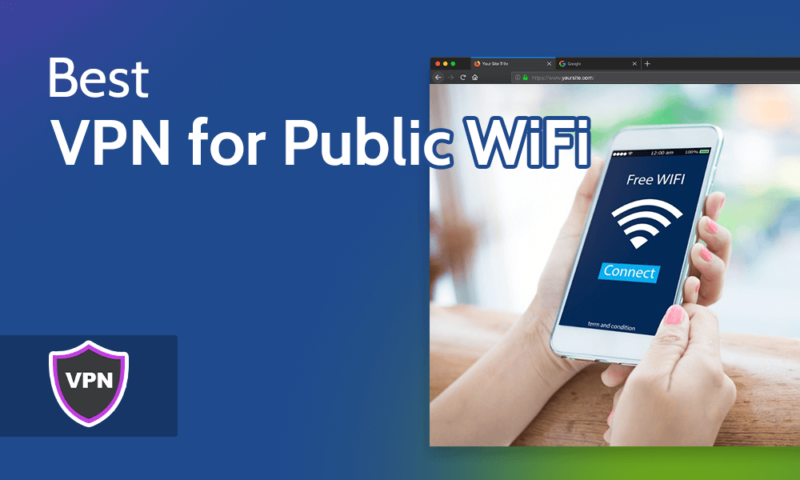
Using a smartphone without a VPN today is like driving without a seatbelt. Whether you’re on public Wi-Fi, traveling abroad, or simply want to stream content not available in your region, a VPN (Virtual Private Network) helps you stay secure, private, and unrestricted online.
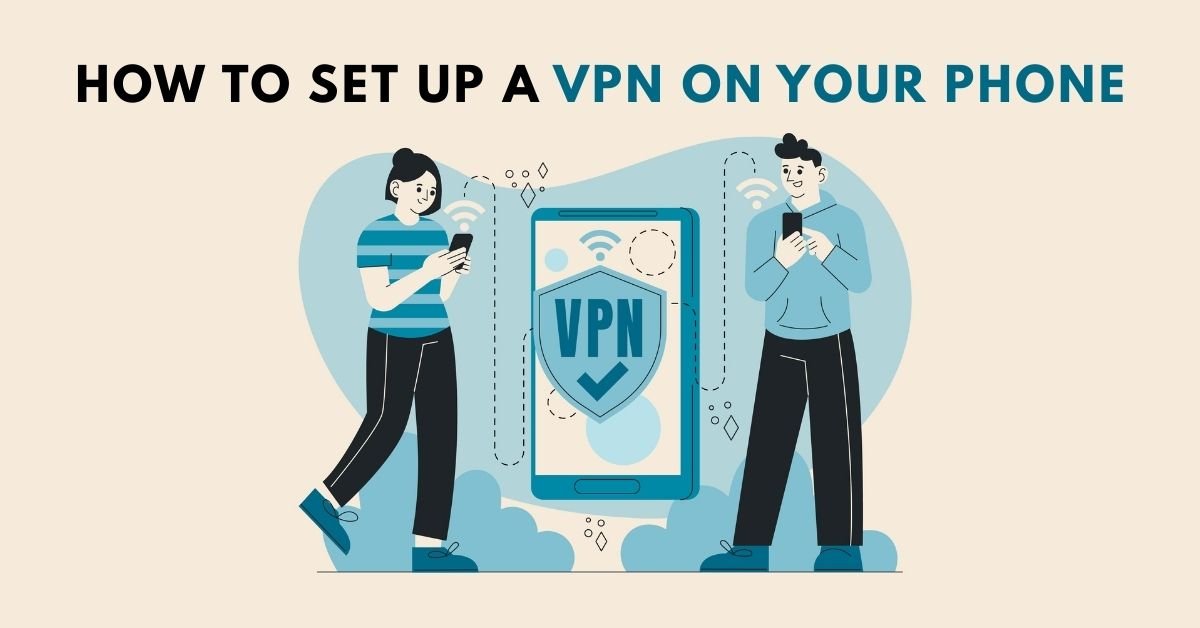
In this comprehensive guide from VPN AdWiser, you’ll learn how to set up a VPN on your phone, whether you’re using Android or iPhone. We’ll walk you through manual and app-based methods, give you tips for best practices, and answer common questions.
Why Use a VPN on Your Phone?
Before diving into setup instructions, let’s first understand the benefits of using a VPN on a smartphone:
- Encrypts your internet traffic — Even on unsecured public Wi-Fi
- Hides your IP address — Prevents tracking by apps and websites
- Bypasses geo-restrictions — Access content, streaming platforms, and apps globally
- Protects your identity — Especially important while traveling or shopping online
- Enables secure torrenting and file sharing
Whether you’re a digital nomad or a casual Instagram scroller, using a VPN on your phone is essential for online safety.
Methods to Set Up a VPN on Your Phone
There are two main ways to set up a VPN:
- Using a VPN App (Recommended)
- Manually via Phone Settings
We’ll explain both methods for Android and iOS.
Set Up a VPN Using a VPN App
Using an app is by far the easiest and most effective method. Most top VPN services offer dedicated apps for Android and iOS with user-friendly interfaces and quick-connect features.
🟢 Steps to Set Up a VPN on Android (Using an App)
- Go to Google Play Store
- Search for a trusted VPN app like:
- NordVPN
- Surfshark
- ExpressVPN
- ProtonVPN
- Tap Install
- Open the app and create an account (or log in)
- Allow required permissions when prompted
- Tap Connect to activate the VPN
- Choose your preferred server location
Your Android device is now protected with encrypted VPN traffic.
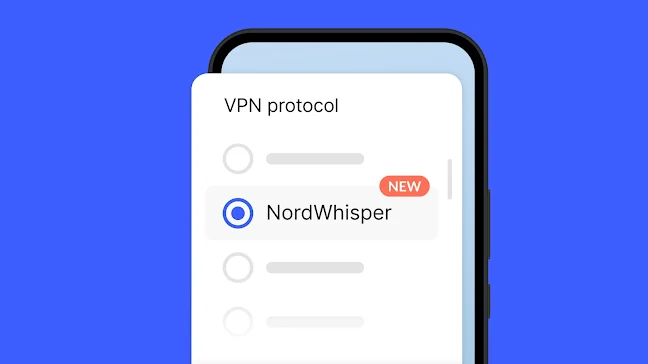
🟢 Steps to Set Up a VPN on iPhone (Using an App)
- Open the App Store
- Search and download a VPN app (e.g., ExpressVPN, NordVPN)
- Launch the app and sign up/log in
- Grant permission to add VPN configurations (iOS will prompt)
- Tap Connect
- Select a server location if needed
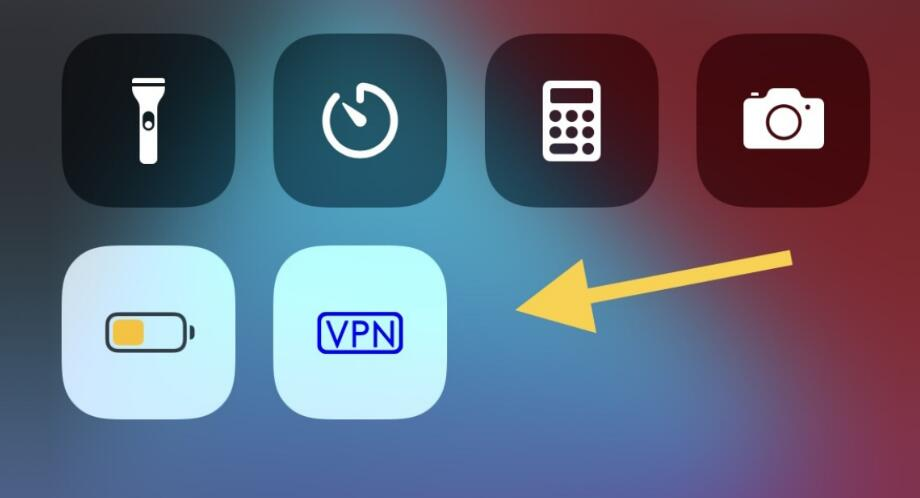
You’ll see a VPN icon on the top of your iPhone when connected.
Manually Set Up VPN on Your Phone
Prefer not to use an app? You can manually configure a VPN using built-in settings.
🛠 How to Set Up a VPN Manually on Android
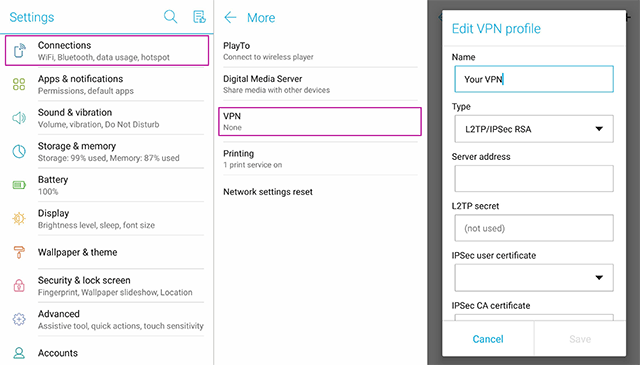
- Go to Settings > Network & Internet > VPN
- Tap Add VPN
- Enter the following details (provided by your VPN provider):
- Name (e.g., Work VPN)
- Type (PPTP, L2TP/IPSec, etc.)
- Server address
- Username and Password
- Tap Save
- Select the VPN and tap Connect
Note: Manual setup lacks advanced features like Kill Switch or Split Tunneling.
🛠 How to Set Up a VPN Manually on iPhone
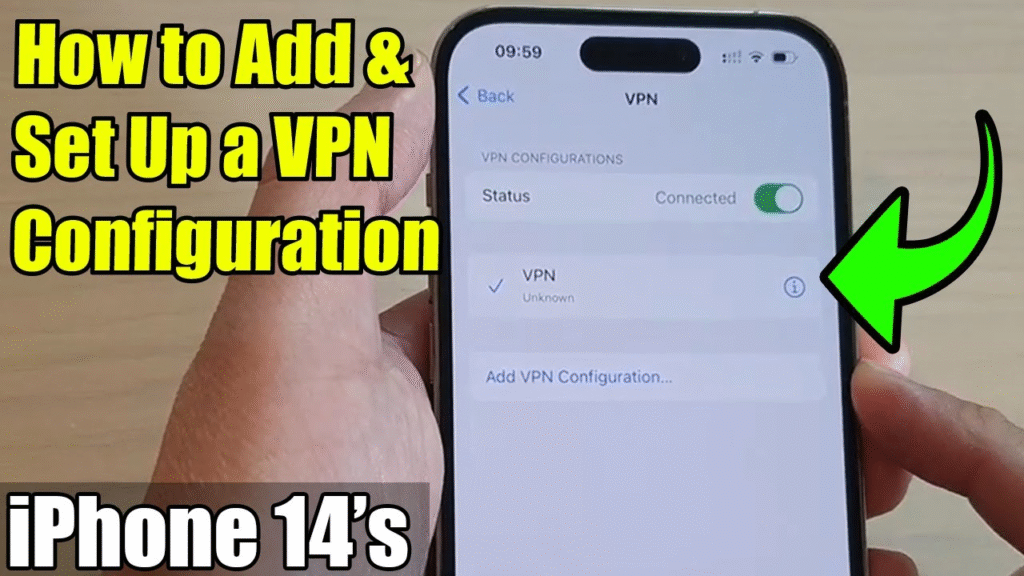
- Go to Settings > General > VPN & Device Management
- Tap Add VPN Configuration
- Select type: IKEv2, IPSec, or L2TP
- Enter:
- Server
- Remote ID
- Username
- Password
- Tap Done
- Toggle the VPN on/off from main settings
Manual VPN setup works well for workplace or private VPN access.
Best VPN Apps for Phones (Android & iOS)
Here are some highly rated VPN apps that are beginner-friendly:
| VPN Service | Platforms | Free Trial | Notable Features |
|---|---|---|---|
| NordVPN | Android, iOS | Yes | Fast, secure, many servers |
| Surfshark | Android, iOS | Yes | Unlimited devices, CleanWeb |
| ExpressVPN | Android, iOS | Yes | Best for streaming |
| ProtonVPN | Android, iOS | Yes (Free tier) | No-logs, Secure Core |
| CyberGhost | Android, iOS | Yes | Great UI, Streaming profiles |
Tips to Use VPN Safely and Effectively on Phone
- Always turn on VPN when using public Wi-Fi
- Enable the Kill Switch to block all traffic if VPN disconnects
- Use Split Tunneling for selected apps
- Avoid free VPNs unless verified (many leak data)
- Set VPN to auto-connect on startup
Frequently Asked Questions (FAQ)
1. Do VPNs drain battery on smartphones?
Yes, a VPN can slightly increase battery usage, but modern apps are optimized to reduce this impact.
2. Can I use a free VPN on my phone?
Yes, but be cautious. Most free VPNs have limitations (data caps, fewer servers) and may compromise privacy. Use reputable free VPNs like ProtonVPN.
3. Is VPN legal on mobile phones?
Yes, using a VPN is legal in most countries. However, always check local laws if traveling internationally.
4. Why does my VPN disconnect automatically?
It could be due to battery-saving features, poor signal, or restrictions from your mobile carrier. Try switching protocols or enabling “Always-on VPN”.
5. Can I use one VPN subscription on multiple devices?
Yes! Most VPN providers allow 5–10 devices per account, including smartphones, laptops, tablets, etc.
Final Thoughts: Stay Secure on Mobile with a VPN
Your phone is your digital lifeline — filled with personal data, financial apps, and constant internet usage. Setting up a VPN on your phone is one of the simplest and smartest steps you can take to enhance your digital privacy and freedom.
Whether you’re streaming on the go, handling sensitive emails, or shopping online — don’t do it without protection. Choose a trusted VPN, install it on your smartphone, and enjoy a safer, unrestricted internet experience wherever you are.